AI caption generator
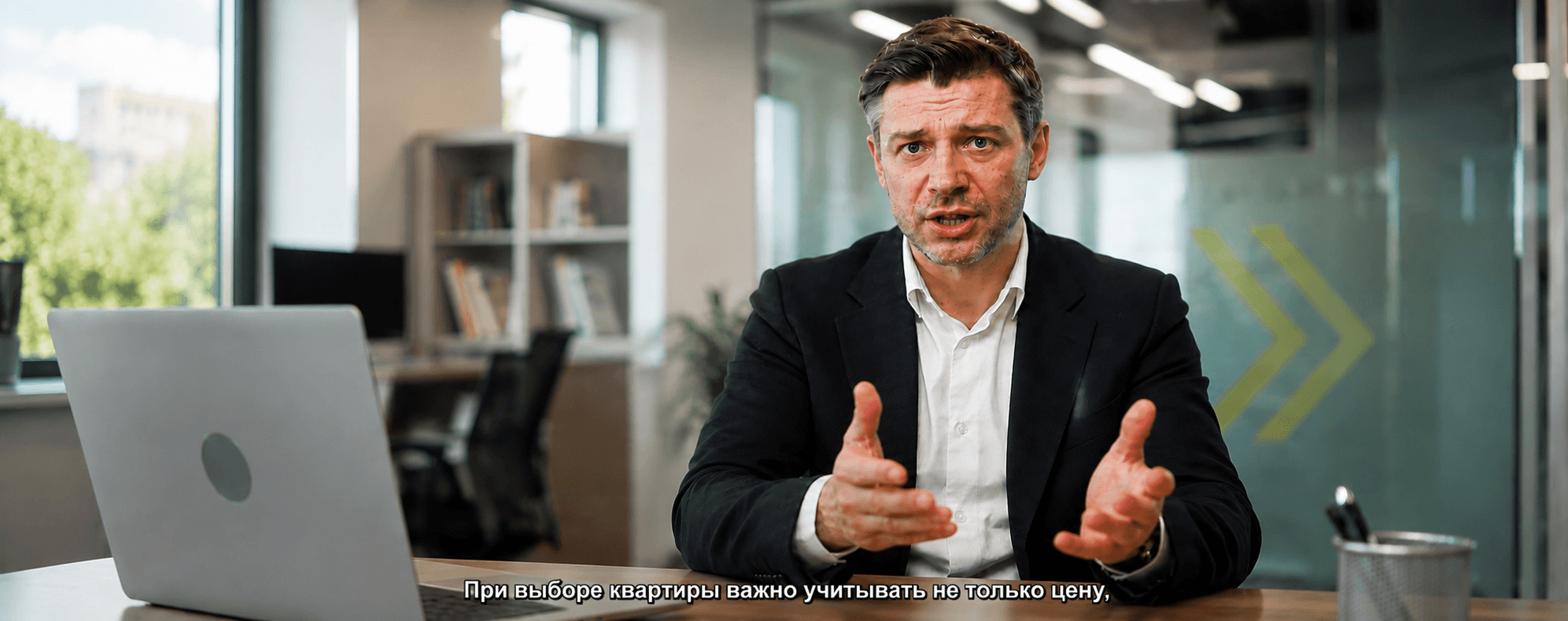
Captions Space creates AI captions for any video in a single click.
AI Active
“Your words — as professional subtitles.”
00:12:34 — 00:12:38For creators, brands and business
Captions Space AI generates subtitles for any video — designer styles, brand fonts and effects for Reels, TikTok, Shorts and YouTube.
Create captions →Free — 2 videos a month, clips up to 6 minutes. No card needed.

Start here
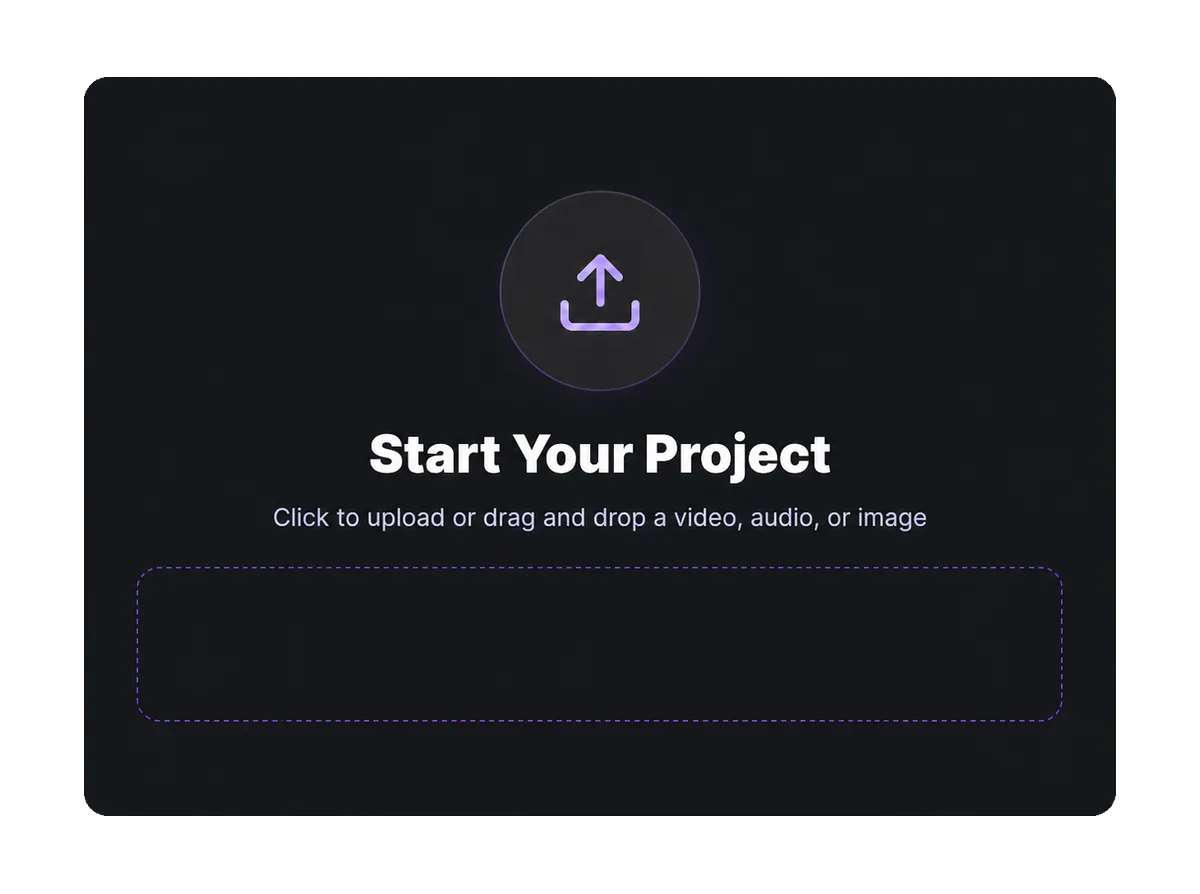
Drop a file, pick a subtitle style and we open the editor with the transcription already running. No installs, no card.
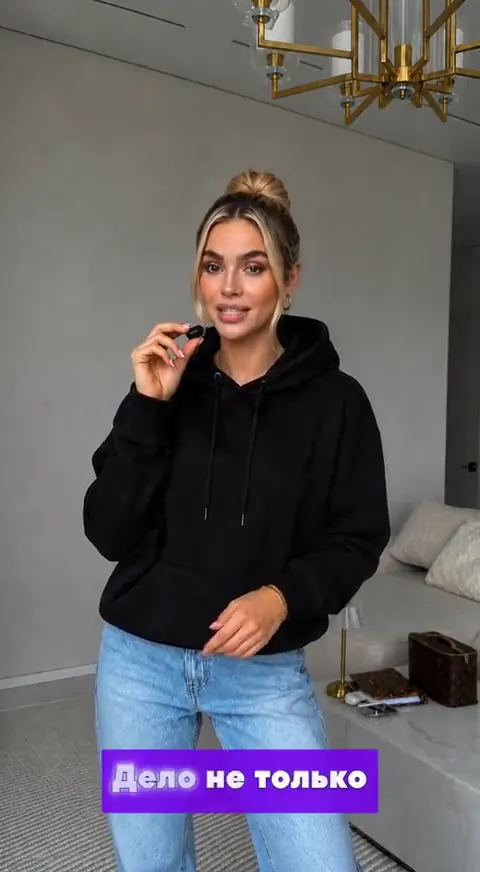
Frames from real videos — you can switch the style inside the editor at any time
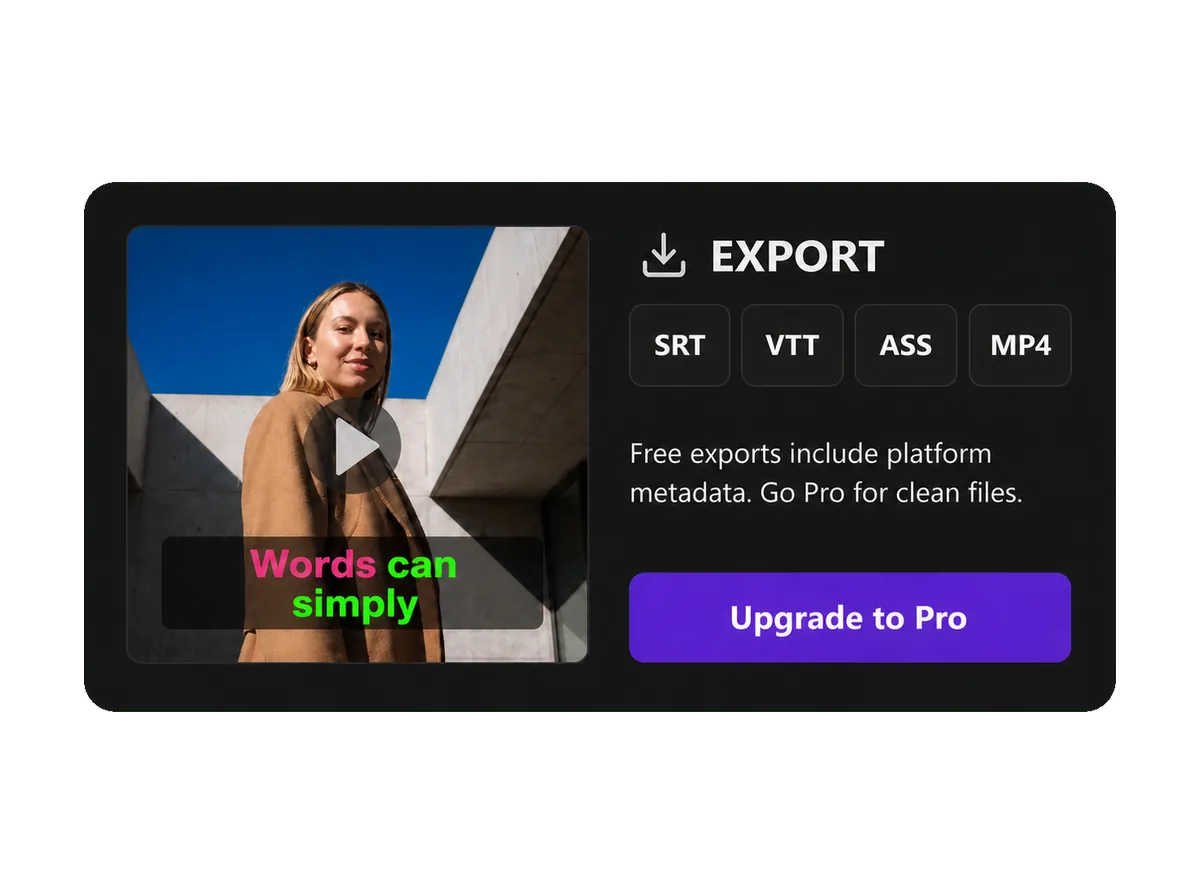
Free: 6 minutes of video a month. For a longer clip the AI captions the first 6 minutes. The free plan exports MP4 with a watermark. An account is required to start — signing up takes less than a minute.
How it works
Captions Space transcribes the speech, times every word and exports ready-made captions for Reels, TikTok, Shorts and YouTube.
Drop a file into the window or pick it from your device — video, audio or an image.
Speech becomes text with word-level timing, so a word lights up exactly when it is spoken.
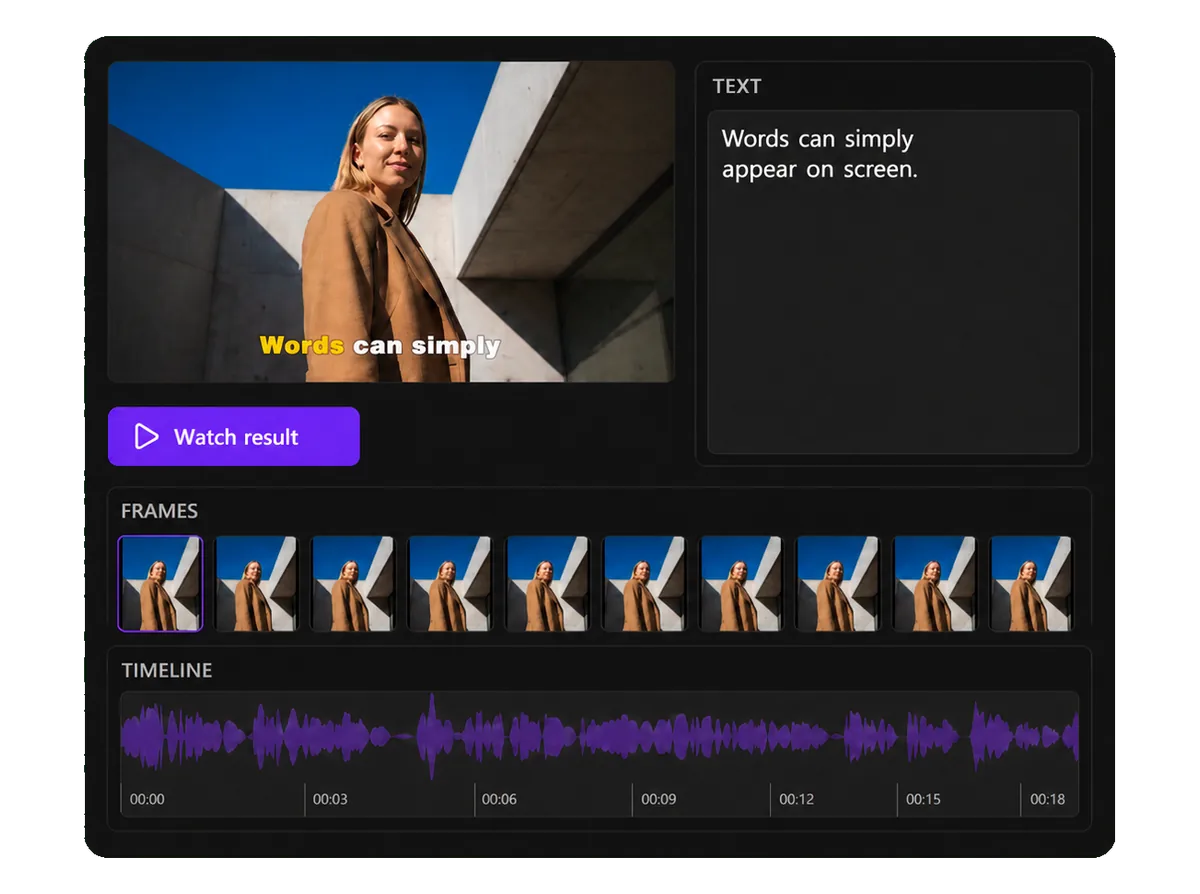
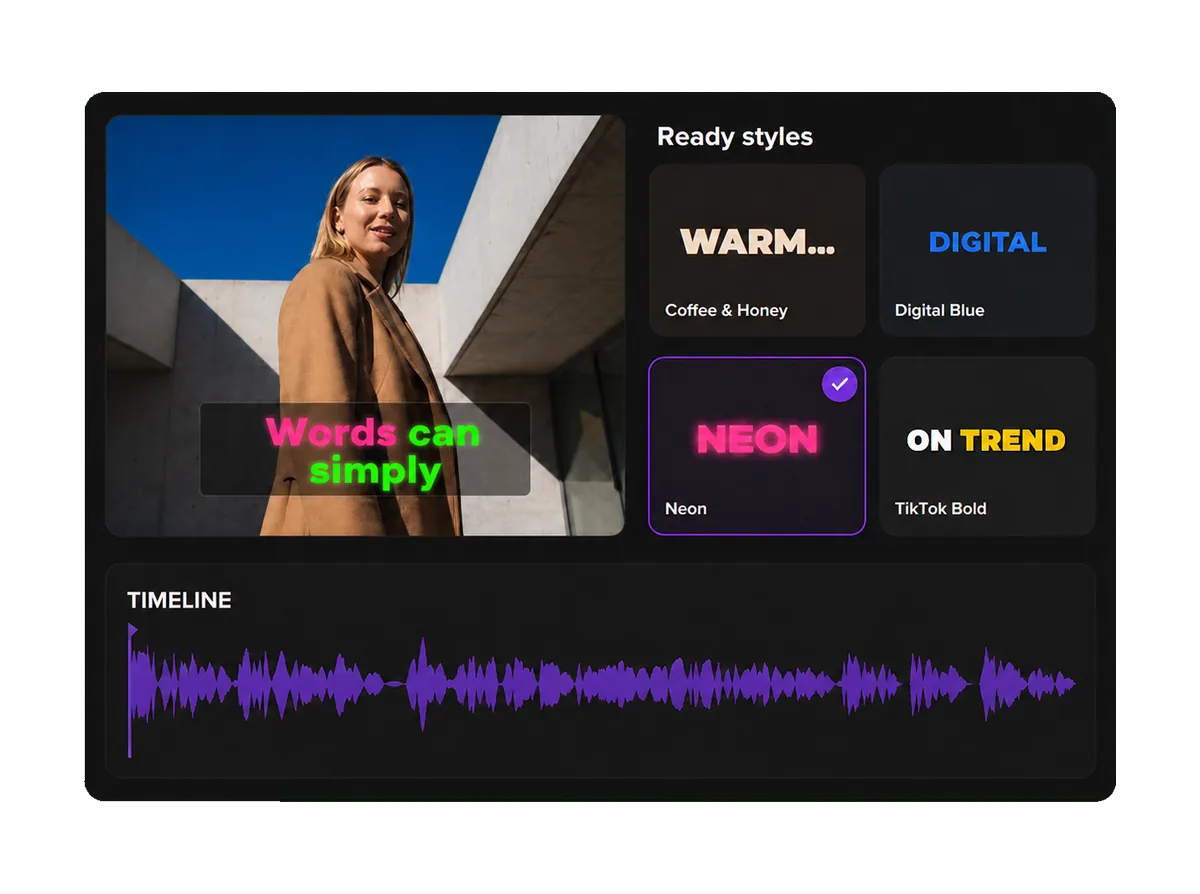
58 ready-made styles and 114 font families — or build your own: color, outline, shadow, word animation.
Take the finished video with burned-in captions, or a subtitle file: SRT, VTT, ASS.
Captions Space usually needs under 2 minutes for a short video, from upload to export
Templates
Designer subtitle templates for bloggers, businesses, brands and content creators. Every card plays a real clip with the template burned in — word animation included, exactly what the renderer produces.


Captions Space ships subtitle templates for TikTok, Reels, Shorts and YouTube — Beauty, Business, UGC, Fitness, Travel and other niches.
Style Library
Ready-made subtitle styles from the editor — real fonts, palettes, effects and word animation. The card shows exactly what the editor renders.
Captions Space includes 58 subtitle styles from the editor catalog, each with its own fonts, palettes and animation.
All Features
The AI generates subtitles automatically: tune fonts, colors, effects and animation, and export the finished video — all in one AI editor.
Captions Space creates AI captions for any video in a single click.
“Your words — as professional subtitles.”
00:12:34 — 00:12:38Captions Space transcribes speech into an accurate transcript in 50+ languages.
Word-level timing moves every word at the moment it is spoken.
Ready-made effects turn plain subtitles into bright, styled ones.
Brand fonts keep every video consistent — upload your own or pick from the catalog.
Brand colors apply to every subtitle style in one click.
Video as MP4, MOV, H.265 or WebM — one for any phone, one for each ecosystem — plus SRT, VTT and ASS subtitle files.
A shared workspace for your team. In development — not available yet.
No credit card required · Free trial included
Benefits
Designer AI subtitles improve the quality of your video content and its performance on every major platform.
80%
Viewers are 80% more likely to finish a video when captions are present.
+12%
Captions raise average view time on video ads.
Professionally styled subtitles keep viewers watching without losing focus.
Professional typography, balanced spacing and high contrast on any device.
Brand fonts, colors and subtitle templates keep a recognizable style across all videos.
Sources: Verizon Media and Publicis Media, 2019; Facebook internal research on video ads
Before / After
Drag the divider to compare standard auto-generated subtitles with professionally designed AI subtitles.
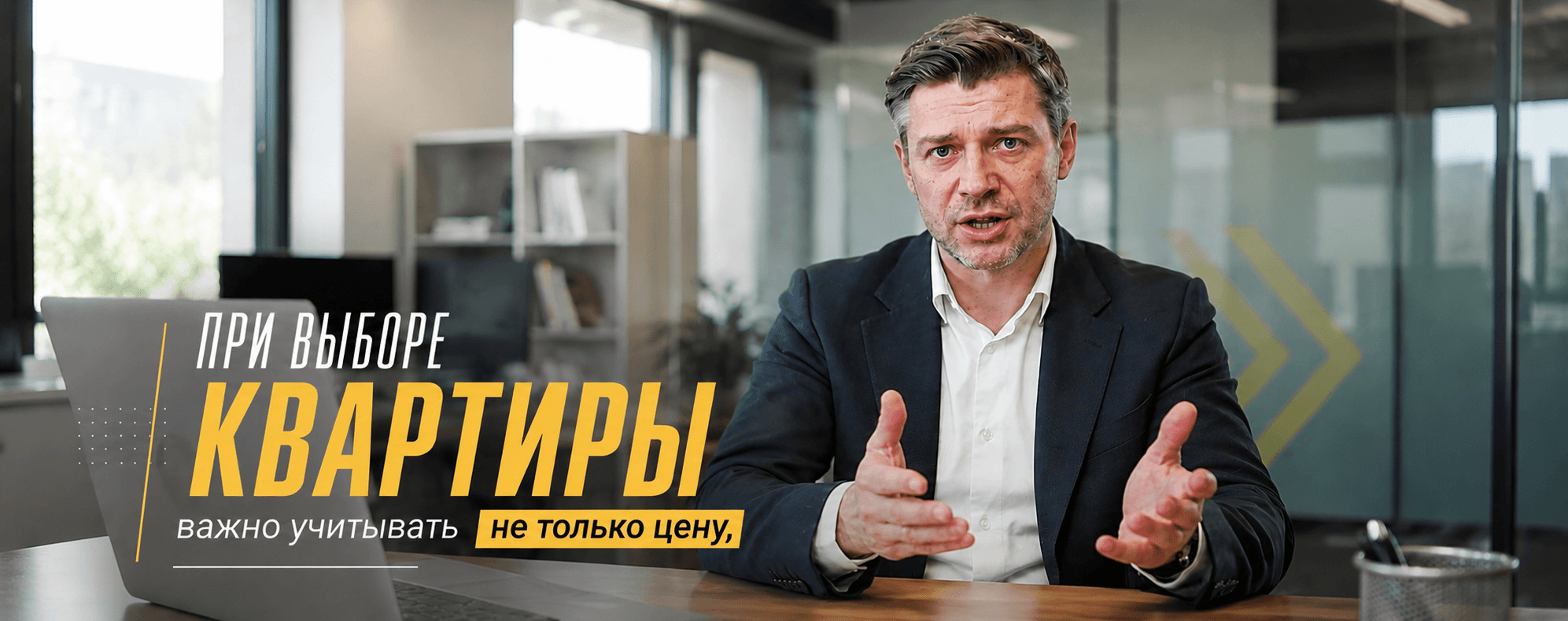 BeforeAfter
Pricing
Create subtitles for Reels, TikTok, Shorts and YouTube. Start free with 6 minutes a month, take Lite for regular short videos or Pro for long ones.
$0
Try it out and handle the odd video.
Most Popular
$5/month
Charged in rubles: 399 ₽
Regular Reels, Shorts and TikTok.
$10/month
Charged in rubles: 899 ₽
Long videos, lessons and interviews.
Reviews
Bloggers, experts and SMM teams on how they make subtitles in Captions Space.
«A client asked for “subtitles like the big bloggers have”, but with no budget for an editor. I put a style together in 10 minutes and saved it as a template — now all of the client's videos share one visual system.»
«I film on my phone during runs, and the sound is always so-so. Subtitles solve it completely: people watch on the go, and I don't have to repeat the text out loud in every take.»
«What I value most is that the text doesn't cover the face and hands during a treatment. I used to move subtitles around by hand in the editor; now it takes seconds.»
«I record short code walkthroughs for my team. Word-by-word timing really helps: colleagues pause right on the term they need instead of scrubbing blindly.»
«I tried 5 services and settled here because of the styles. “Lavender Pistachio” doesn't look like typical template subtitles — it's part of my account's aesthetic.»
«I make news breakdowns for Telegram and YouTube. Exporting straight to SRT saves a whole step: the subtitles go to the platform with no manual syncing.»
«I film whenever I have 15 minutes between chores. Subtitles let people watch without sound — and judging by the comments, that's half of my audience.»
«I used to pay a freelancer for subtitles on every video. Now I do it myself in a couple of minutes, and the style is the same across all my listings — it looks like an agency, not something thrown together.»
«Psychology content needs a calm delivery. I chose a minimalist style without flashy animation — the text is readable but doesn't pull attention away from the face.»
«Clients watch workouts at the gym without headphones. Subtitles in a large font solved it: the exercise is clear even in a noisy room.»
«I use “Lemon Pop” for sponsored integrations. Brands specifically mention that the subtitles look premium — even though it's the same 2 minutes of work.»
«On the subway, in a queue, on a walk — people watch without sound. Subtitles are no longer optional, they're a basic part of the content. Here I get them without a separate editing step.»
«We process webinar recordings: upload, fix the terminology, export the video and SRT. It used to take a day; now it's an hour for a batch of 5 recordings.»
«Car reviews need a strict style with nothing cartoonish. “Chrome Metal” fits perfectly: the subtitles read well against the road and don't fight the picture.»
«I work with 6 experts at once. One subtitle template for all of them used to be a separate paid job for a freelancer; now it comes together in one go.»
«The AI recognizes terms like “staking” or “liquidity” just fine, and whatever it misses takes two clicks to fix. For technical content that's critical.»
«Subtitles in property video tours should be almost invisible but readable. “Soft Shadow” gives exactly that balance — the text is there, but it isn't the star of the shot.»
«Legal breakdowns need precise wording. The subtitle text is easy to edit, and the “Classic” style looks serious, without unnecessary creativity.»
«Clients watch videos while waiting for their appointment, often without sound. Subtitles with soft animation set the right mood and don't look like an ad.»
«Short city guides perform better with subtitles — people watch on public transport. “Postcard” sets the mood of the place right away, no tweaking needed.»
«Students replay videos to practice pronunciation along with the subtitles. Word-by-word animation works better here than static text at the bottom of the screen.»
«We put subtitles in one corporate style on our internal demos. The team watches without sound in the open-plan office, and the video looks like part of the presentation, not a random recording.»
«We cut highlights from streams and add subtitles right away. “Neon” gives the energy TikTok and Shorts need — without it the clips look raw.»
«I match the subtitle style to the client's niche: strict for business, bright for beauty. It speeds up production and makes the feed recognizable without long explanations to a designer.»
«I turn an audio podcast into a YouTube video in one evening. Subtitles are generated quickly, I only fix the guests' names — and the video is ready to publish.»
«The main thing for me is that the text doesn't get in the way of showing the products. The service avoids the key areas of the frame by itself, which saves time on manual adjustment.»
«We use one style across all our corporate videos. The subtitles look like part of the brand book, not text slapped on top — that matters for trust.»
«For portfolio video presentations I use “Editorial Serif”. The subtitles look like gallery captions, not a typical CapCut overlay.»
«Conference cuts need to be dynamic. “Sunset Rush” adds energy, and subtitles help people watch in noisy areas and without headphones.»
«Resume and interview tips in the “Digital Blue” style look professional. Candidates watch to the call to book a consultation more often.»
«I review recordings of my clients' talks. Word-by-word animation clearly shows the rhythm of speech — it's easier for students to see where to pause and add emphasis.»
«In recipes it matters that the subtitles don't cover hands and ingredients. Here that's handled automatically, and I match the colors to the specific dish — it looks neat.»
Specs
Everything the editor supports today, with the limits stated as they are.
Comparison
What changes between typing captions by hand, taking what the platform generates, and running Captions Space.
| By hand | Platform auto-captions | Captions Space | |
|---|---|---|---|
| Timing | Typed and aligned manually | Automatic | Automatic, down to the word |
| Styling | Whatever the editor allows | The platform's fixed look | 58 styles, brand fonts, colors and effects |
| Placement | Positioned by hand | A fixed spot in the frame | Vision-aware, avoids faces and objects |
| Export | Depends on the tool | Stays inside the platform | MP4, MOV, SRT, VTT, ASS |
| Reuse elsewhere | Yes | No | Yes |
FAQ
Answers to the most common questions about AI subtitles and captions, templates, export, pricing and collaboration.
The Captions Space AI transcribes the speech in your video and builds perfectly synced subtitles. The Captions Space editor styles them with designer presets, fonts, colors and effects.
Captions Space generates AI subtitles, styles them with designer presets and exports the finished video.
Create captions →No credit card required
Runs in the browser — no install, no credit card, and a free plan with 6 minutes of video a month.