AI caption generator
Captions Space creates AI captions for any video in a single click.
AI Active
“Your words — as professional subtitles.”
00:12:34 — 00:12:38Tools
AI transcription, subtitle styling, headlines, b-roll and export — every Captions Space tool, each with a page of its own.
Open the editor →Upload a video and get styled subtitles online — even over music.
The workspace itself: transcript, timeline, styling panel and export.
Open an SRT, VTT or ASS file and fix the text and timings — no account, no upload.
58 designer presets — fonts, colours, outlines and word highlighting.
Two to four words carrying the point, timed to the voice and placed clear of faces.
Your own clip or still over the talking head, plus zooms on the timeline.
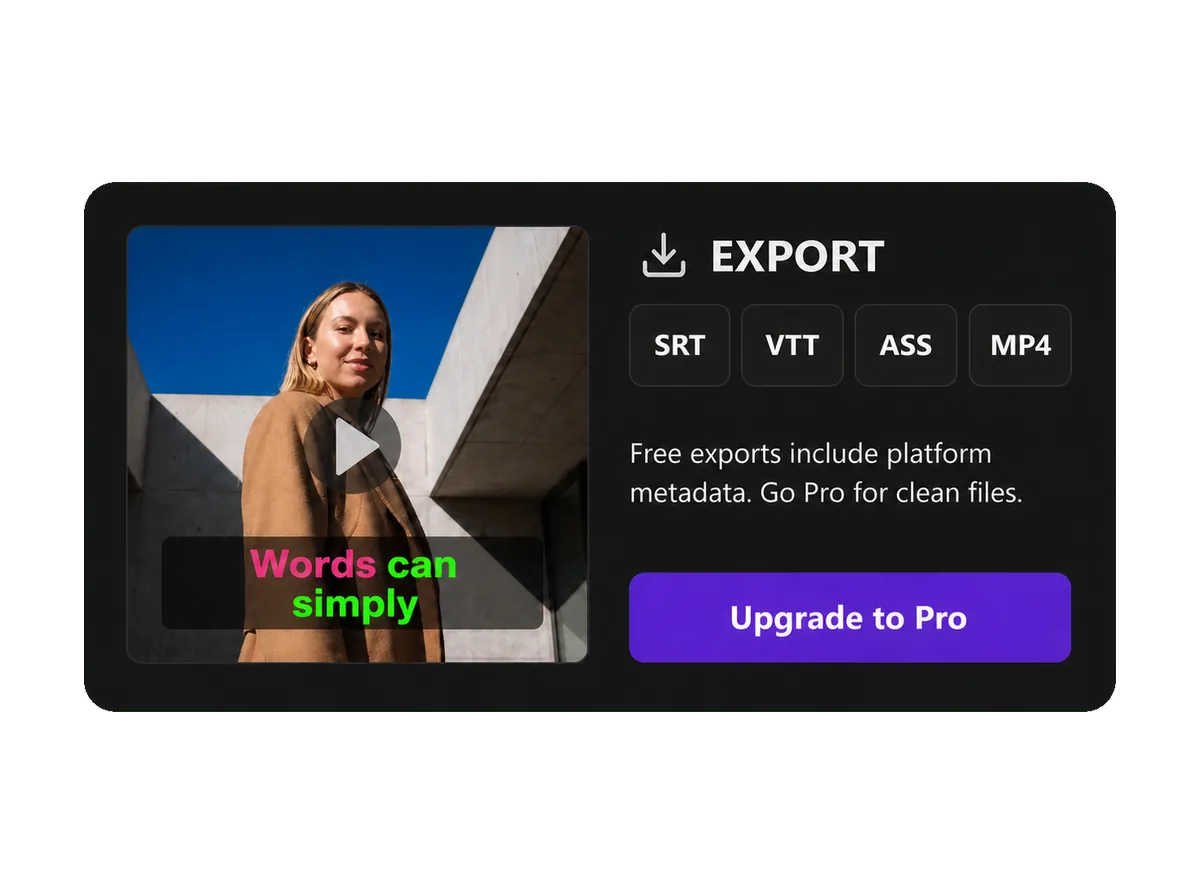
SRT, VTT and ASS files, or MP4, MOV, H.265 and WebM with the captions burned in.
Paste a link or upload a video and get text with timecodes.
Three Instagram, TikTok or Shorts captions with hashtags — from the video itself, a description or a photo.
All Features
The AI generates subtitles automatically: tune fonts, colors, effects and animation, and export the finished video — all in one AI editor.
Captions Space creates AI captions for any video in a single click.
“Your words — as professional subtitles.”
00:12:34 — 00:12:38Captions Space transcribes speech into an accurate transcript in 50+ languages.
Word-level timing moves every word at the moment it is spoken.
Ready-made effects turn plain subtitles into bright, styled ones.
Brand fonts keep every video consistent — upload your own or pick from the catalog.
Brand colors apply to every subtitle style in one click.
Video as MP4, MOV, H.265 or WebM — one for any phone, one for each ecosystem — plus SRT, VTT and ASS subtitle files.
A shared workspace for your team. In development — not available yet.
No credit card required · Free trial included
How it works
Captions Space transcribes the speech, times every word and exports ready-made captions for Reels, TikTok, Shorts and YouTube.
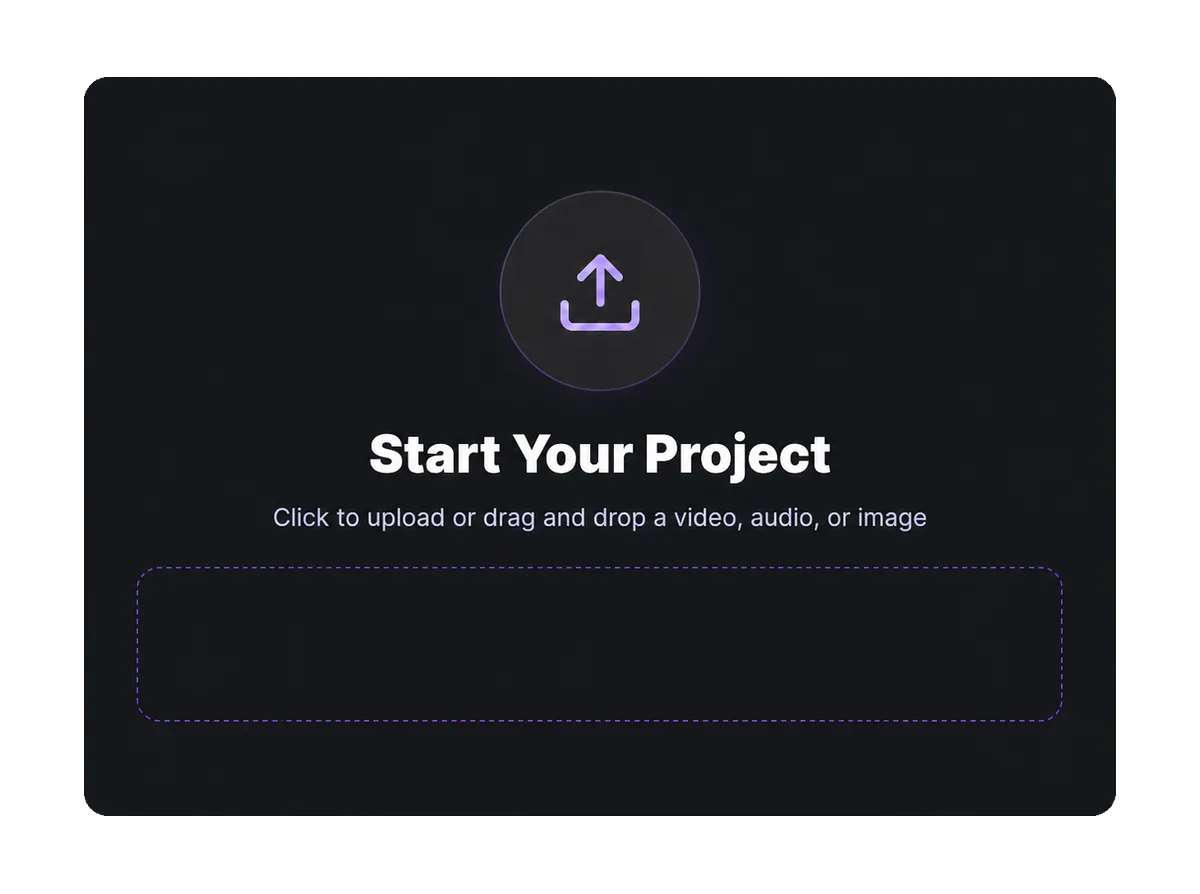
Drop a file into the window or pick it from your device — video, audio or an image.
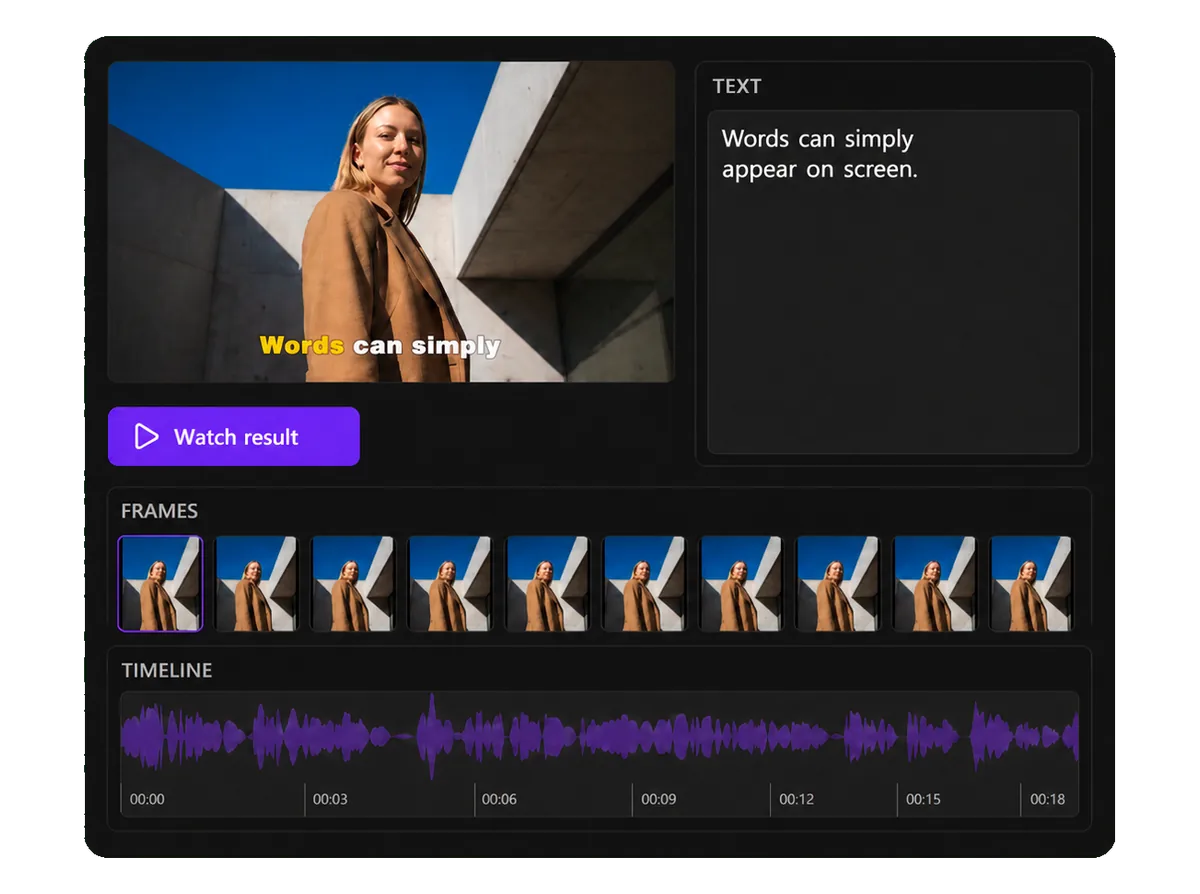
Speech becomes text with word-level timing, so a word lights up exactly when it is spoken.
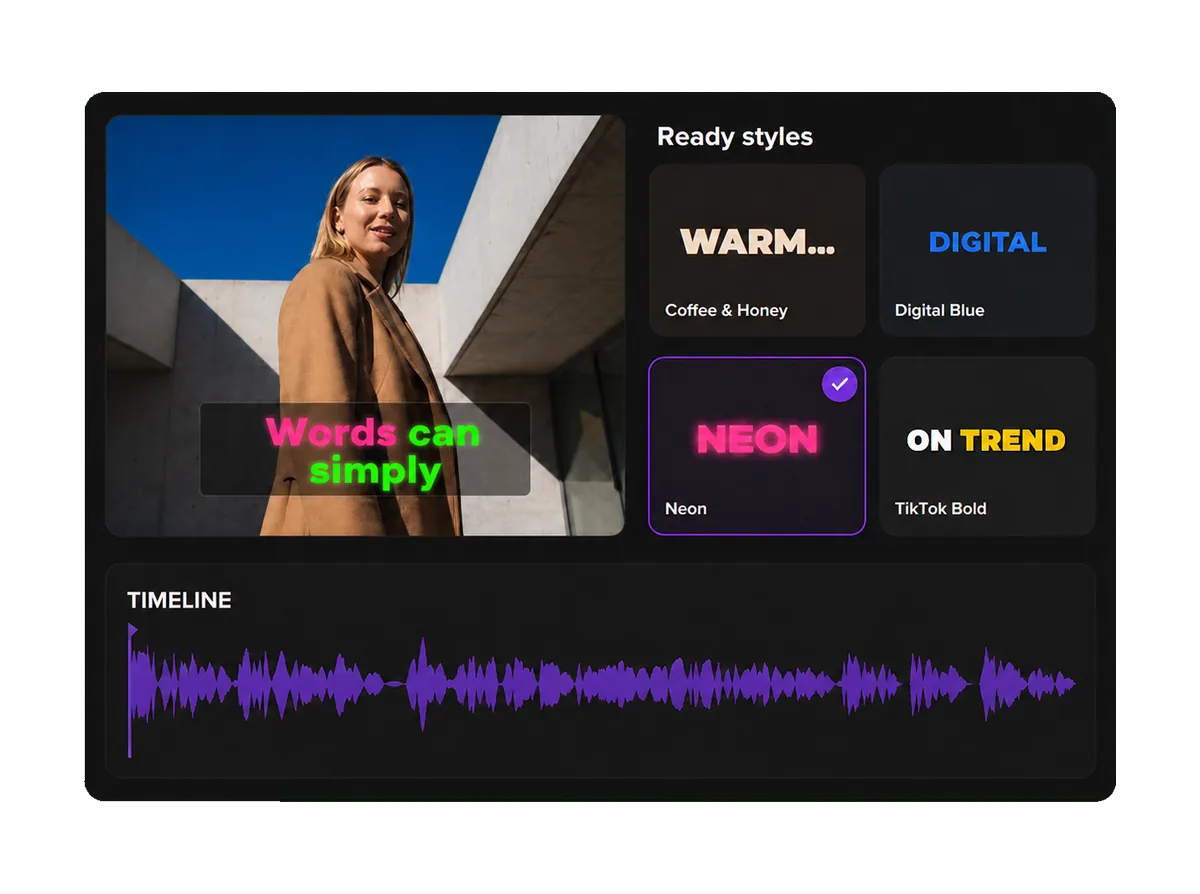
58 ready-made styles and 114 font families — or build your own: color, outline, shadow, word animation.
Take the finished video with burned-in captions, or a subtitle file: SRT, VTT, ASS.
Captions Space usually needs under 2 minutes for a short video, from upload to export
Captions Space generates AI subtitles, styles them with designer presets and exports the finished video.
Create captions →No credit card required
Runs in the browser — no install, no credit card, and a free plan with 6 minutes of video a month.