Reels, Shorts and TikTok
Most of the feed is watched muted, so without subtitles viewers miss the point of the video.
Subtitle generator
Frames from real videos — you can switch the style inside the editor at any time
The same subtitle styles work for YouTube, webinars and interviews
Free: 6 minutes of video a month. For a longer clip the AI captions the first 6 minutes. The free plan exports MP4 with a watermark. An account is required to start — signing up takes less than a minute.
Captions Space AI makes subtitles for a video online: it transcribes the speech, times every word and applies the style you pick. The finished subtitles open in the editor, where you fix the text and download a video with captions burned in or an SRT file.
Why Captions Space
Captions Space AI does more than transcribe: it styles the subtitles for your video, animates every word and hands back a finished video.
58 ready-made templates: pick one and the captions change right on the video — you see the result at once.
Every word is timed: it lights up exactly when it is spoken.
When the track drowns the voice, the AI separates the voice from the music — rap and songs come out readable, and lines invented on silence are dropped.
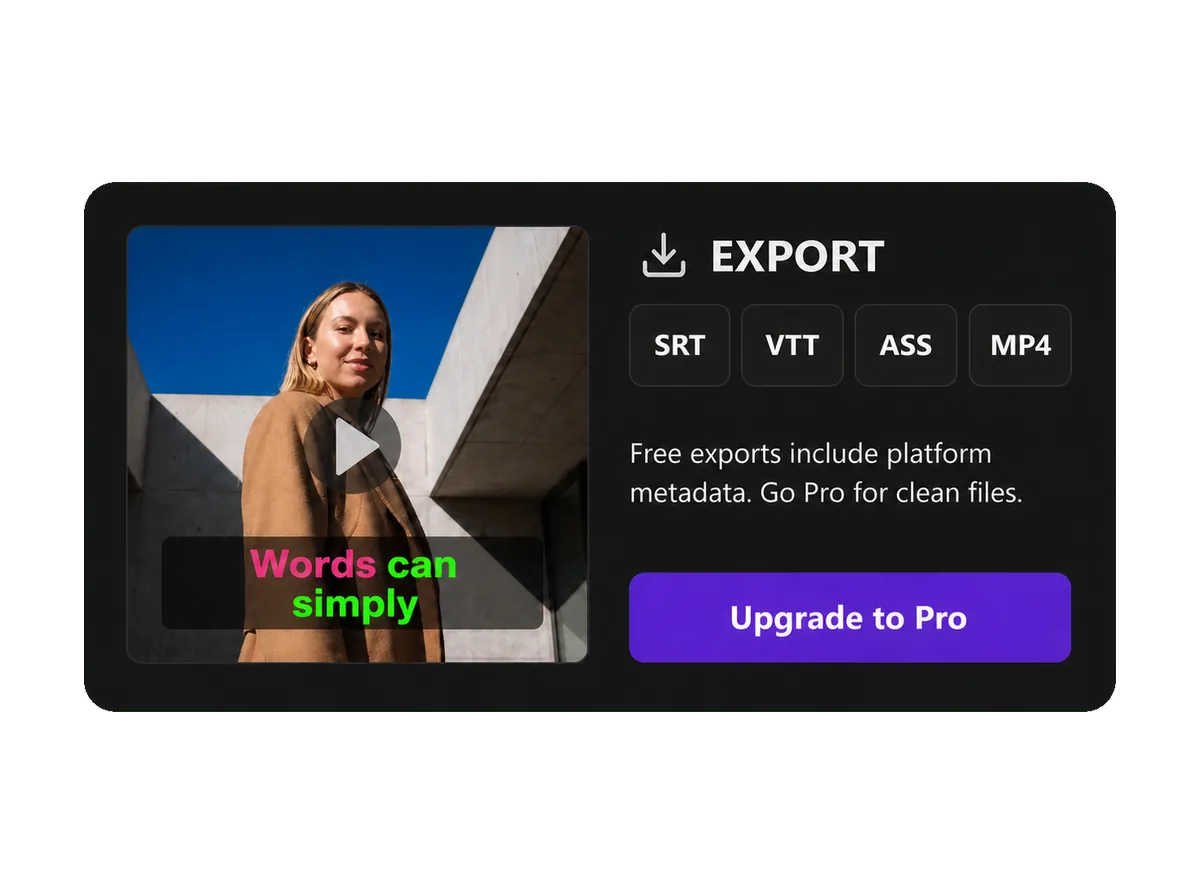
Download MP4, MOV or WebM with captions in the frame — straight to Reels, Shorts and TikTok. Or take SRT, VTT and ASS.
About export →How it works
The AI transcribes the speech, times every word and returns a finished video with captions or a subtitle file.
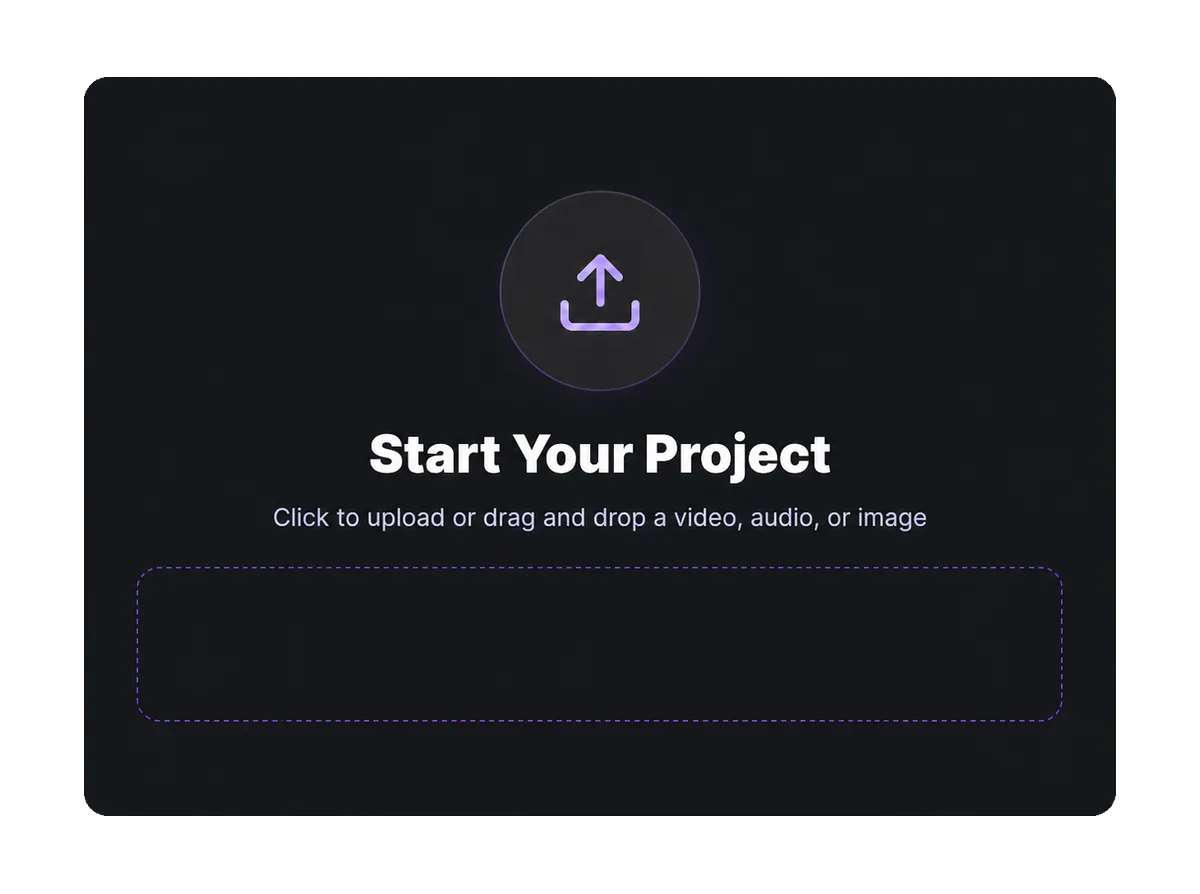
Drop a file into the window or pick it from your device — video, audio or an image.
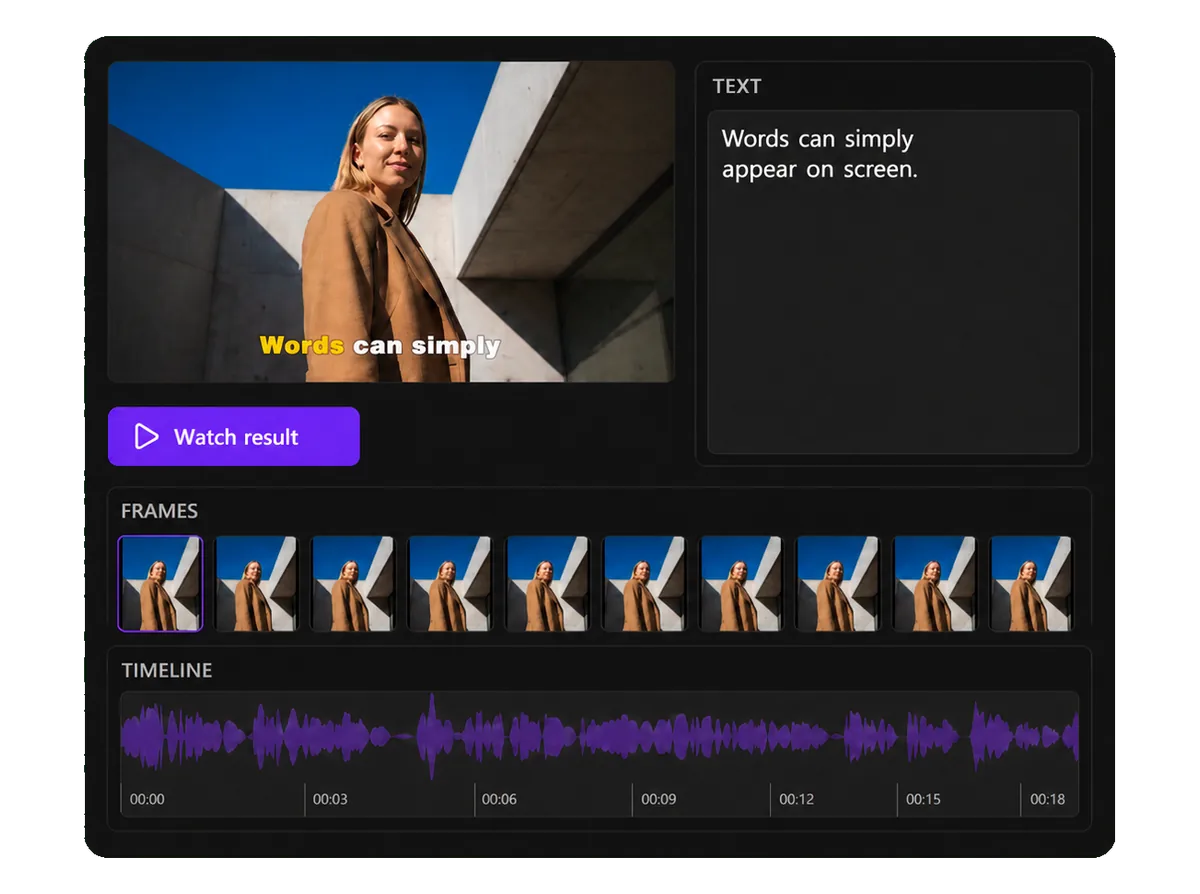
Speech becomes text with word-level timing, so a word lights up exactly when it is spoken.
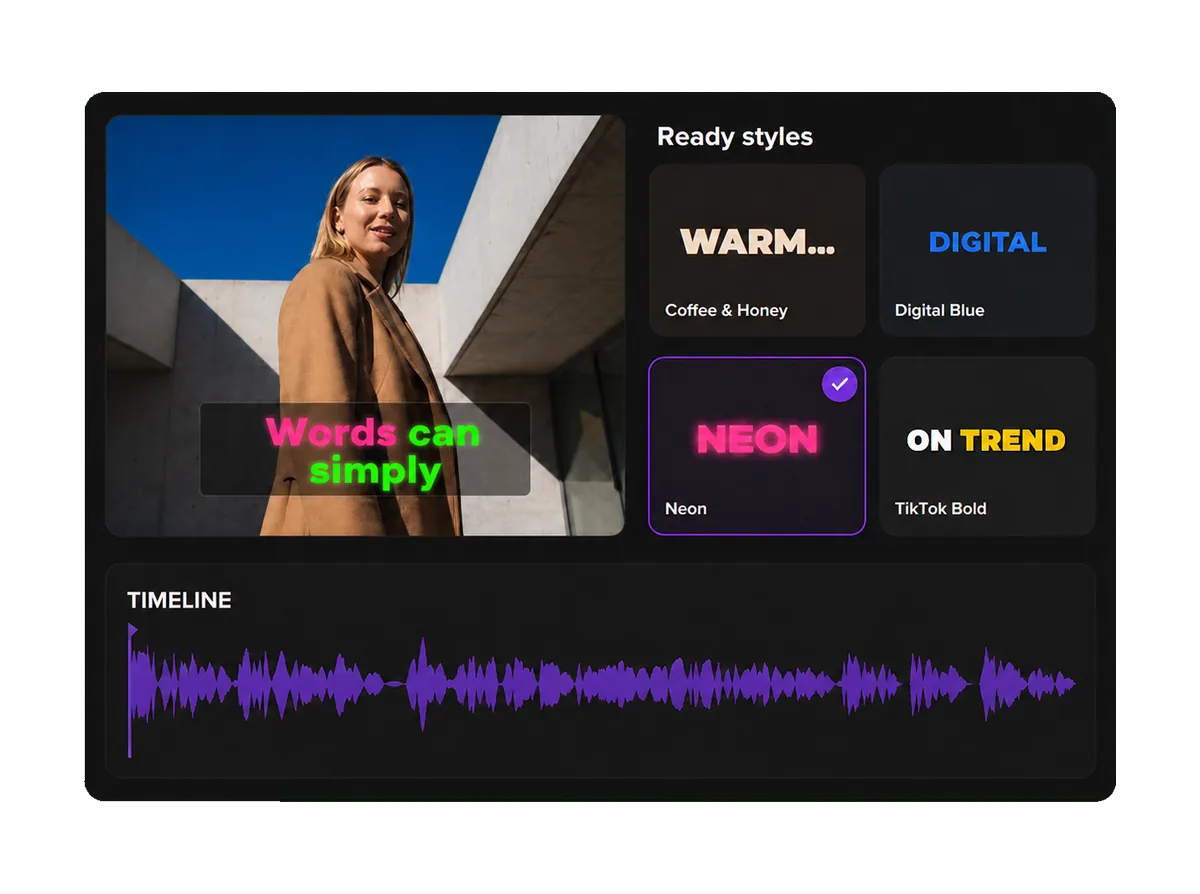
58 ready-made styles and 111 font families — or build your own: color, outline, shadow, word animation.
Take the finished video with burned-in captions, or a subtitle file: SRT, VTT, ASS.
Captions Space usually needs under 2 minutes for a short video, from upload to export
Styles
Ready-made styles from the editor: real fonts, palettes and word animation. The card shows exactly what goes into the video.
Comparison
What changes between typing captions by hand, taking what the platform generates, and running Captions Space.
| By hand | Platform auto-captions | Captions Space | |
|---|---|---|---|
| Timing | Typed and aligned manually | Automatic | Automatic, down to the word |
| Styling | Whatever the editor allows | The platform's fixed look | 58 styles, brand fonts, colors and effects |
| Placement | Positioned by hand | A fixed spot in the frame | Vision-aware, avoids faces and objects |
| Export | Depends on the tool | Stays inside the platform | MP4, MOV, SRT, VTT, ASS |
| Reuse elsewhere | Yes | No | Yes |
Use cases
Most of the feed is watched muted, so without subtitles viewers miss the point of the video.
Vertical video with captions reads the same in any player.
Terms and numbers are easier to follow when you can read them.
Reviews and offers hold attention from the first second.
Subtitles show the lyrics on screen word by word, in time with the track.
Benefits
Designer AI subtitles improve the quality of your video content and its performance on every major platform.
80%
Viewers are 80% more likely to finish a video when captions are present.
+12%
Captions raise average view time on video ads.
Professionally styled subtitles keep viewers watching without losing focus.
Professional typography, balanced spacing and high contrast on any device.
Brand fonts, colors and subtitle templates keep a recognizable style across all videos.
Sources: Verizon Media and Publicis Media, 2019; Facebook internal research on video ads
Free
Try it on your own video — no card needed.
6 minutes of video a month. For a longer clip the AI makes subtitles for the first 6 minutes. The free plan exports MP4 with a watermark.
60 minutes a month for $5, clips up to 6 minutes, no watermark, every video and subtitle format.
300 minutes a month for $20, clips up to 30 minutes, public API.
Need a single video without the watermark? Unlock one project for $1.99. Compare plans →
Upload a video or paste a link from YouTube, RuTube, VK Video, TikTok, Reels, Google Drive or Yandex Disk and pick a style, or let the AI choose one. The AI transcribes the speech and times every word; you check the text in the editor and export a video with captions or an SRT file.
Captions Space generates AI subtitles, styles them with designer presets and exports the finished video.
Create captions →No credit card required
Runs in the browser — no install, no credit card, and a free plan with 6 minutes of video a month.