A practical workflow
Upload a video, check the transcript, adjust timing and design, then export the result without moving between several tools.
About Captions Space
Captions Space is a browser-based service for automatic transcription, editing and visual design of video subtitles.
Independent · remote-first · built in 2026
Why we exist
Manual transcription and timing slow down publishing. Captions Space turns speech into an editable draft and brings the remaining work into one focused workspace.
Upload a video, check the transcript, adjust timing and design, then export the result without moving between several tools.
Speech recognition, computer vision and language models each handle a specific stage. The result always remains editable.
Ready-made styles help creators, experts and teams produce readable subtitles without a motion-design workflow.
Our story
Captions Space started as an independent SaaS experiment: could subtitle creation become fast without taking creative control away from the author? The first version focused on the core job — recognize speech, create timecodes and make every word easy to fix.
Today the product combines transcription with a visual editor, ready-made styles and export for social video. Development remains close to user feedback: features are added when they remove a real step from the workflow.
How it works
Automation speeds up repetitive work, while the final text, timing and appearance remain under the user’s control.
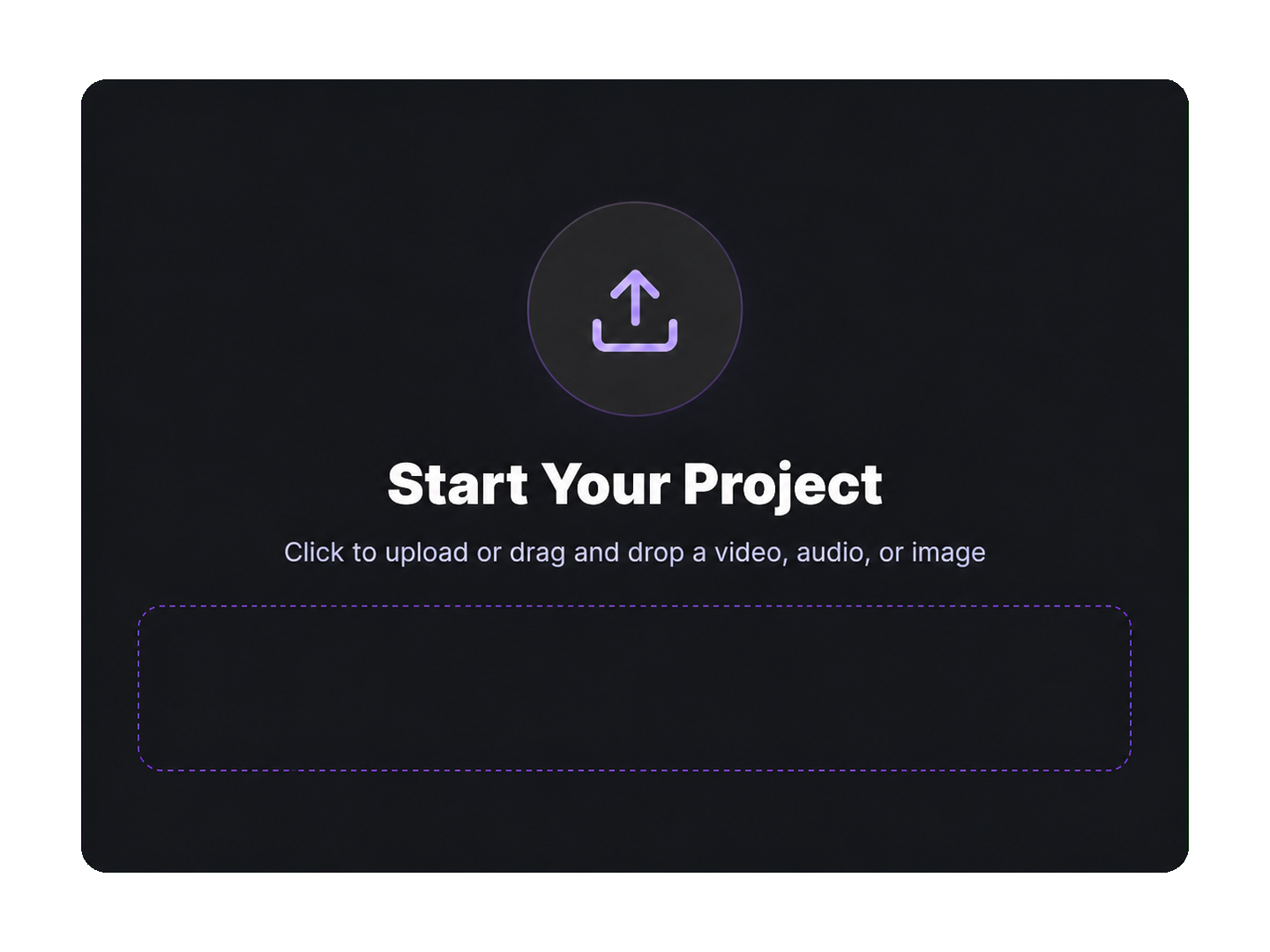
Add a video in the browser to start a project.
The service recognizes speech and creates subtitles with timecodes.
Correct words, timing and placement, then choose a visual style.
Download subtitles or a finished video in an available format.
Automatic recognition can make mistakes because of background noise, recording quality, pronunciation or overlapping voices. Captions Space therefore keeps the transcript editable before export.
Product facts
Product capabilities as of September 2026. Processing time depends on video length and server load.
Transparency
Users retain the rights to uploaded content. Uploaded materials and processing results are used to provide the service.
Privacy policy →The service is provided as is and cannot promise perfect recognition in every recording. You can review the result before export.
Terms of service →Captions Space is a remote-first online service with no office for visitors. Product support and formal requests are handled by email.
Contact us →Service operator
Captions Space is operated in the Russian Federation by
Индивидуальный предприниматель Миронов Илья МихайловичThe project is developed and supported remotely. We do not maintain a customer-facing office; this email is the official channel for support and formal requests.
support@captions.spaceIndependent sources
These third-party pages document the product and its development. Their presence is not presented as an endorsement.
Captions Space generates AI subtitles, styles them with designer presets and exports the finished video.
Create captions →No credit card required
Runs in the browser — no install, no credit card, and a free plan with 6 minutes of video a month.