
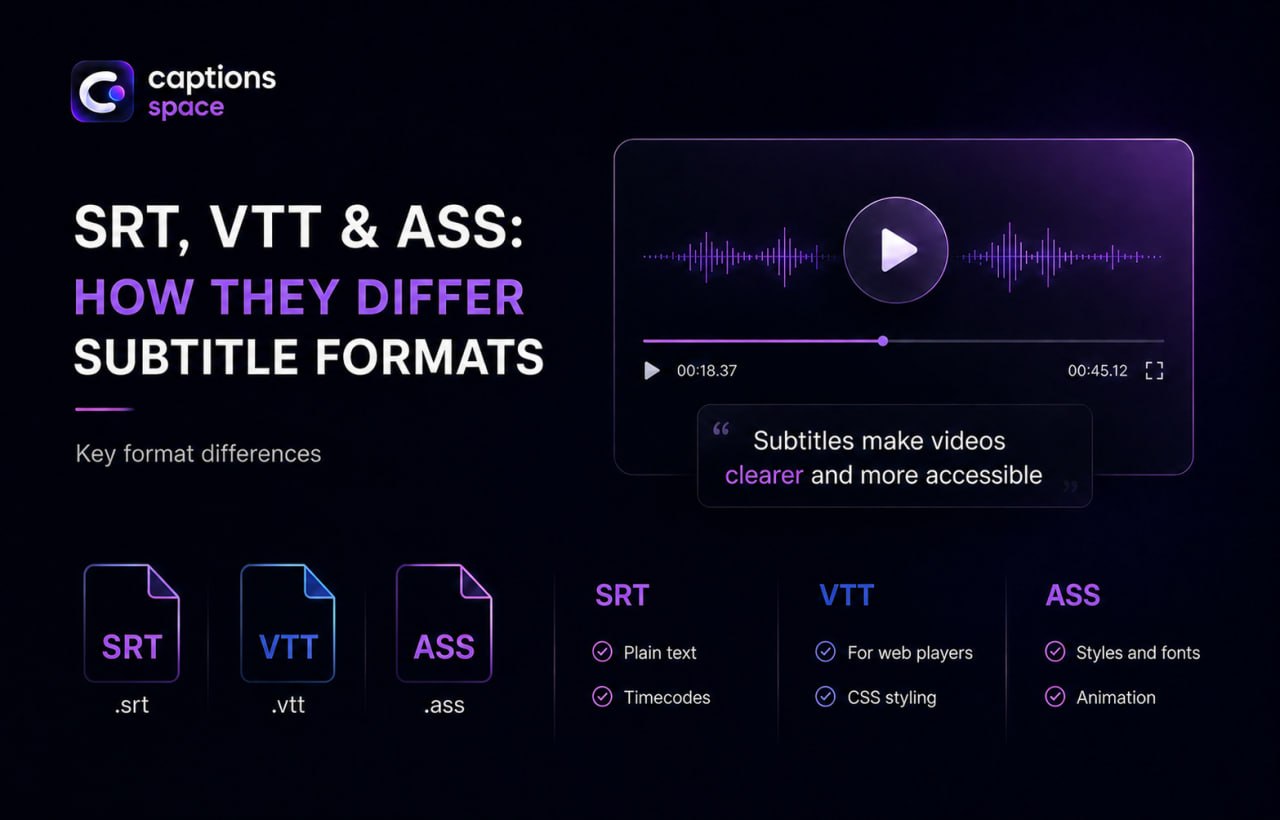
When working with subtitles, the formats you will encounter most often are SRT, VTT, and ASS. All three are text-based, but they serve different purposes—from a simple speech transcript to sophisticated styling with fonts, colors, and animation.
Let’s explore the differences between SRT, VTT, and ASS, which format works best for websites, YouTube, and social media, and when styled subtitles are worth using.
SRT: A Simple Format for Maximum Compatibility
SRT (SubRip Text) is the most widely used subtitle format.
SRT Features
- the file extension is
.srt; - each caption contains a number, start and end timecodes, and one or more lines of text;
- the structure is extremely simple: text and timing only.
Advantages of SRT
- supported by most video players, YouTube, and social platforms;
- files are small;
- text is easy to edit and translate manually;
- the format is easy to convert into other subtitle formats.
Limitations of SRT
SRT offers very few styling options. It is not designed for sophisticated styles, precise positioning, or animation.
When to use SRT: for YouTube videos, lectures, interviews, podcasts, and other projects where compatibility and simplicity matter more than design.
VTT: A Web Format for HTML5 Video
VTT (WebVTT) is a subtitle format created specifically for web video and HTML5 players.
VTT Features
- the file extension is
.vtt; - every file begins with the required
WEBVTTline; - timecodes use a period before milliseconds (
00:00:01.000) instead of the comma used in SRT; - the format supports text positioning and basic styling.
Advantages of VTT
- it is the standard format for web players and the HTML5
<track>element; - you can control subtitle position and alignment and apply styles;
- it works well for websites, online courses, and embedded video.
Limitations of VTT
- its structure is slightly more complex than SRT;
- some offline video players do not support VTT directly.
When to use VTT: for subtitles on websites, in web players, and in online courses where reliable browser display and basic control over positioning and styling are important.
ASS: An Advanced Format with Full Styling
ASS (Advanced SubStation Alpha) is a format designed for subtitles with sophisticated visual styling.
ASS Features
- the file extension is
.ass, while the older.ssaextension is also sometimes used; - the format supports multiple styles, fonts, colors, outlines, shadows, animation, and precise on-screen positioning;
- it is often used for elaborately styled subtitles in anime, karaoke, and creative projects.
Advantages of ASS
- complete control over typography, effects, and text movement;
- support for complex scenarios, such as different colors for individual speakers, captions in different parts of the frame, and karaoke timing.
Limitations of ASS
- the file structure is more complex;
- not every player or platform supports ASS directly;
- most styling is lost when an ASS file is converted to SRT or VTT.
When to use ASS: for projects in which subtitle design is part of the content, including creative videos, special projects, complex graphic labels, visually integrated translations, and animated effects.
Which Subtitle Format Should You Choose?
Here are the key recommendations:
- SRT — choose it when you need a simple, widely compatible format that is easy to edit;
- VTT — choose it for web video and HTML5 players when you need control over positioning and styling on a website;
- ASS — choose it when subtitle design matters and you need custom fonts, colors, animation, or complex effects.
With Captions Space, you can:
- use AI to transcribe speech and generate subtitles;
- edit subtitle text and timing in an online subtitle editor;
- export subtitles as SRT, VTT, or ASS, depending on your platform and project requirements.
This allows you to create one set of subtitles and then adapt it to different use cases—from simple SRT files for YouTube to fully styled ASS subtitles for creative video projects.