
Editor
B-roll and zooms
Overlay your images and videos, zoom the frame and review effects.
Find effects
Open a processed project and select Scene on the right. The Effects section contains + Zoom and + B-roll. Overlays come from your own files.
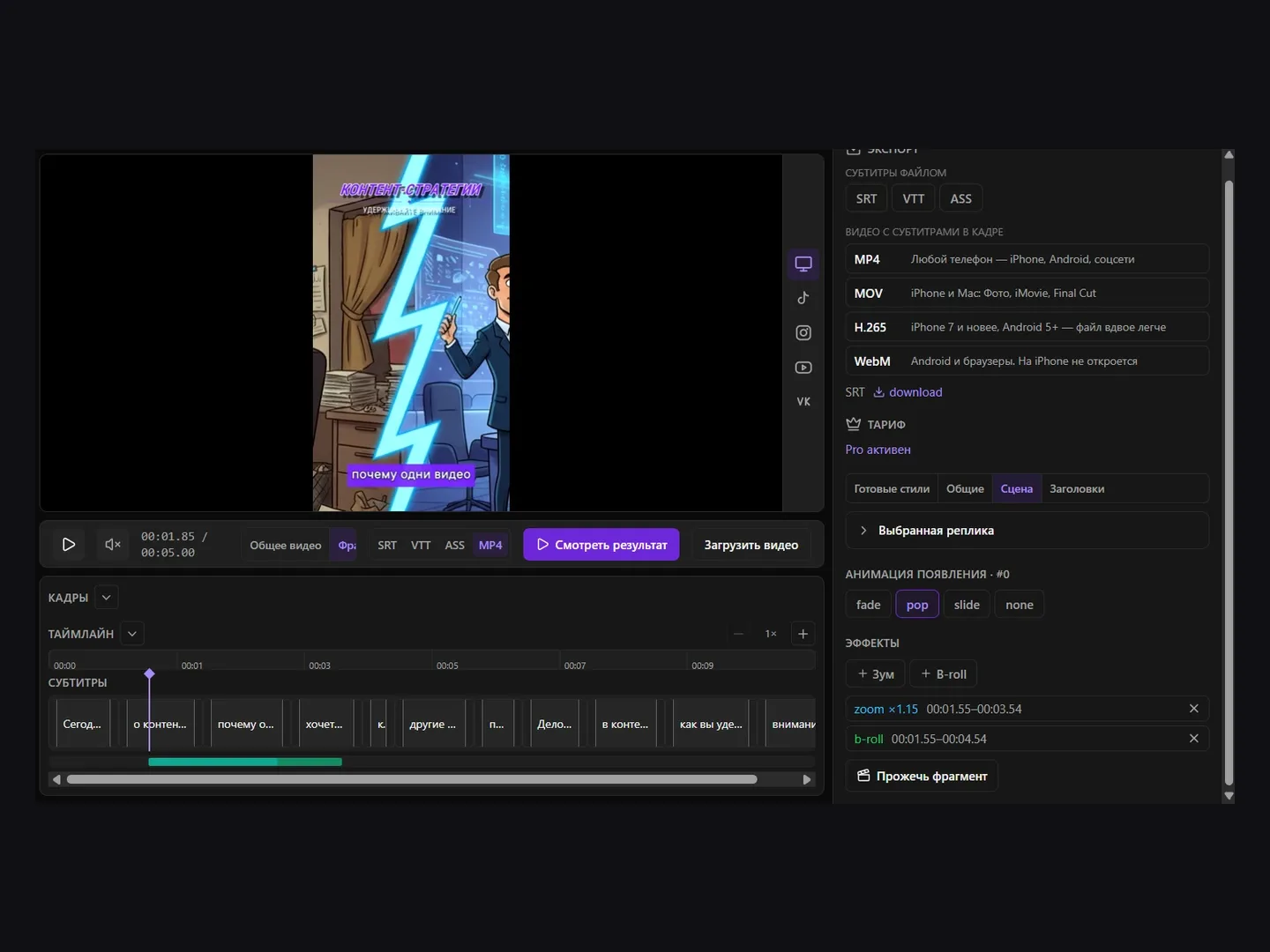
Add B-roll
Seek to the overlay’s start, click + B-roll and choose an image or video. Wait for upload. A three-second interval is created; review it in the list and effects track. Use the cross beside an item to remove it.
Add a zoom
Seek to the desired point and click + Zoom. This adds a 1.15× zoom for two seconds, limited by the end of the video. Its interval appears in the effects list. The cross removes the zoom.
Review and export
Save and click Burn fragment to prepare a short segment around the playhead. For the complete video with effects, use MOV, H.265 or WebM. Browser-generated MP4 does not yet include timeline effects.