
Styling
Subtitle styling
Configure fonts, colors, outlines, backgrounds, placement, and animation.
Ready-made styles
Start with a preset close to your video's visual language. You can adjust individual parameters after applying it.
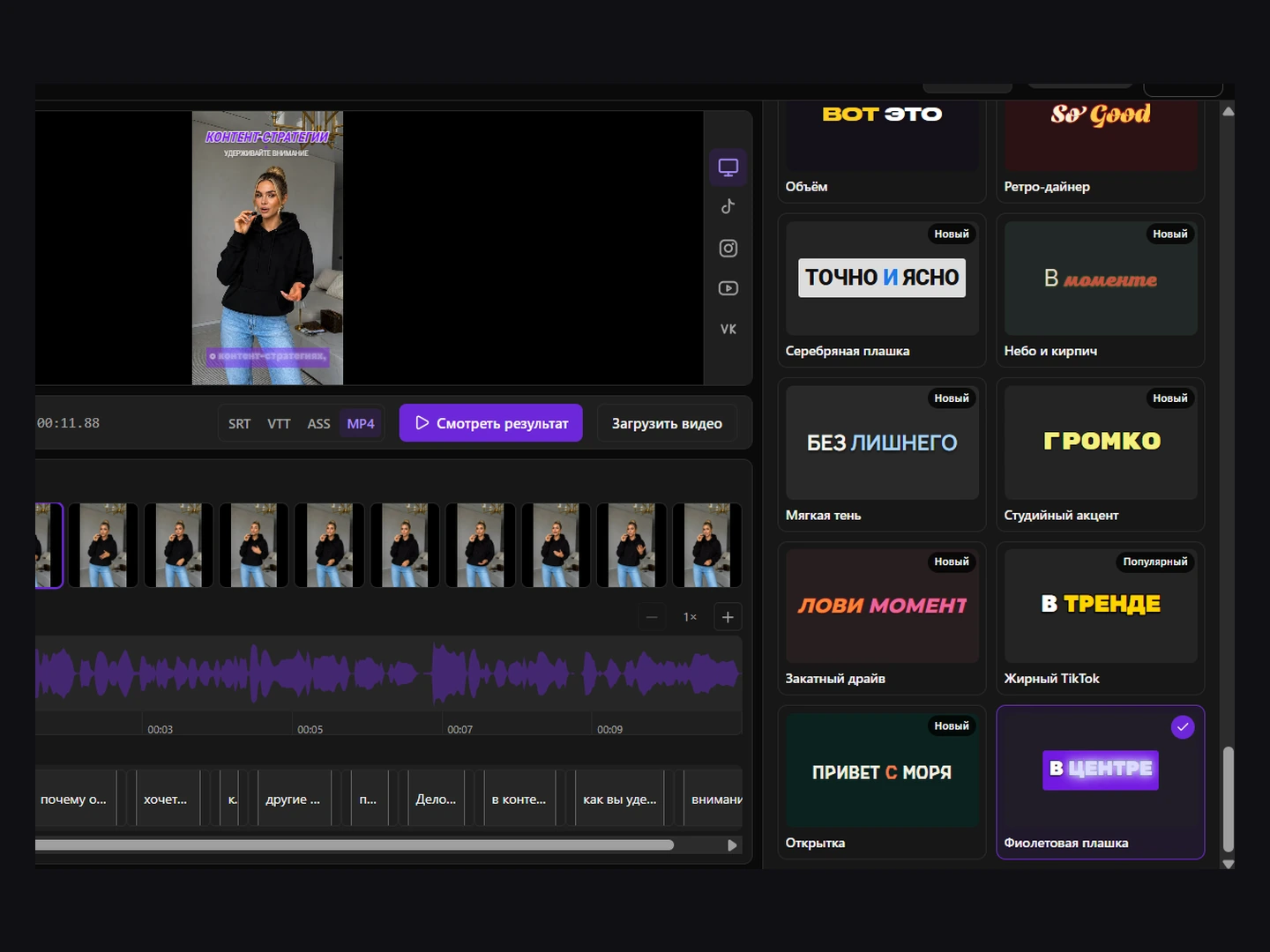
Main settings
- Font family, weight, and size.
- Base and active-word colors.
- Outline and shadow.
- Rectangular or rounded background and opacity.
- Horizontal and vertical alignment.
- Safe distance from frame edges.
- Entrance, word, and exit animation.
Readability
- Check the lightest and darkest scenes.
- Allow for social-platform interface elements.
- Avoid very thin fonts over complex footage.
- Limit the number of simultaneous effects.
Preview and final result
Use the preview to inspect the design before export. After rendering an MP4, verify several scenes in the file, especially animations and custom fonts.
Style individual words
In Scenes, click a word; Shift-click selects a range. Apply bold, italic, underline or strikethrough to the selection. Double-click edits the word’s text. Save the project after styling.
My styles
Save the current style under your own name in the gallery and reuse it. Custom presets are stored in this browser; they do not travel with a project link.