
Editor
AI callouts
Key-point callouts: edit text, line roles, templates and text visibility in the frame.
Open callouts
After processing, select the AI callouts section in the rail on the left. Cards show blocks, their times and source text. Click a thumbnail to seek to the block’s start. Review automatically prepared wording for accuracy.
Edit a block
Click a line’s text, edit it and press Enter or click outside the field. The button beside the line cycles its styling role. The trash icon hides a block. Save to recalculate placement for the new text.
Callout templates
In AI callouts, click the palette and select a template. Customize the available roles; callout templates are separate from regular subtitle styling. After saving, review sizes and positions in the frame.
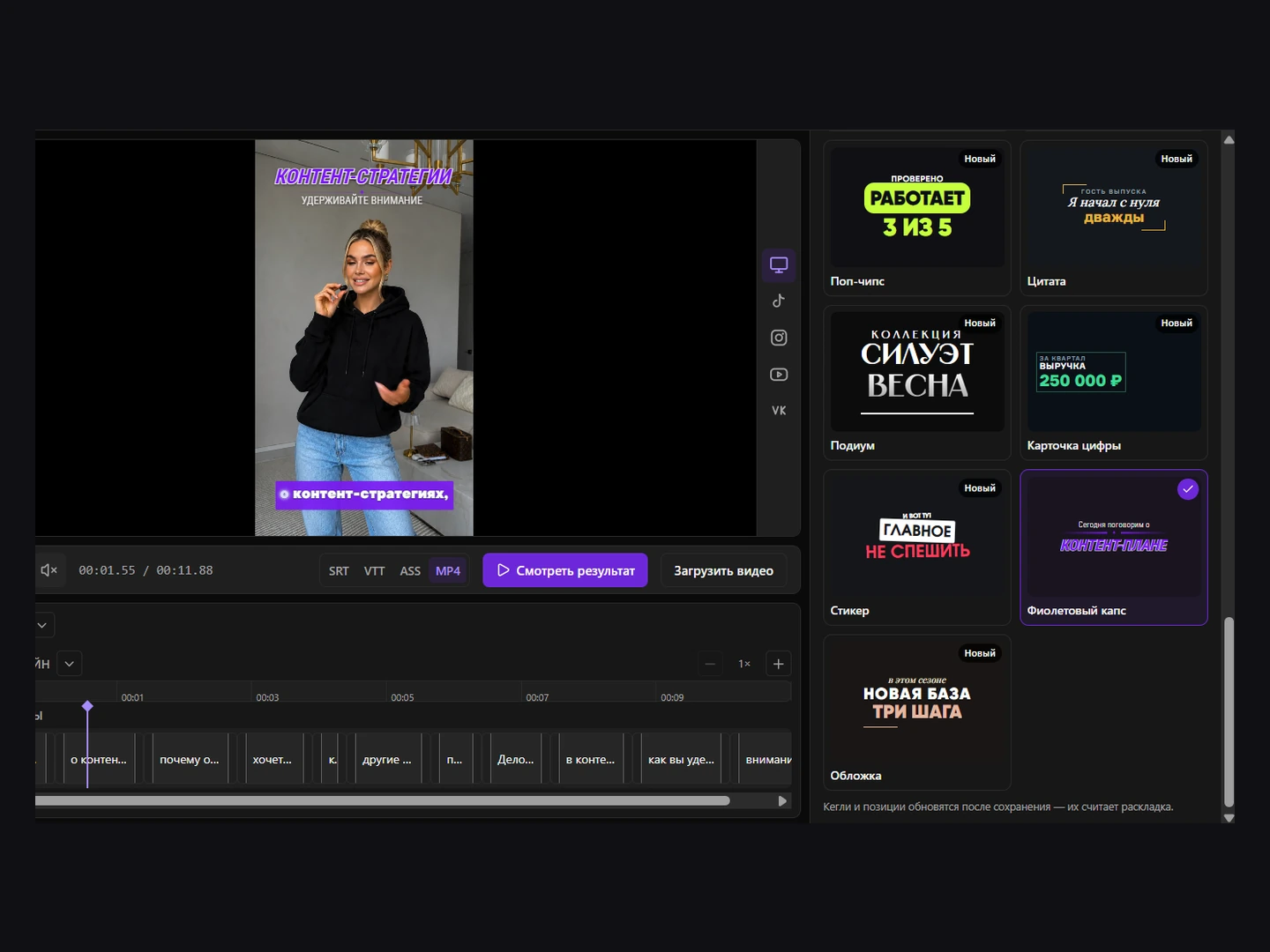
Text visibility
The callout toggle shows or hides callouts without deleting their blocks. While callouts are enabled, you can separately hide regular captions on the frame. Check which text layers are enabled before exporting.